Add Screenshots to Repeatable Blocks
Flexible Content Preview for Advanced Custom Fields
Transforms ACF's flexible content field's layout list into a modal with image previews.
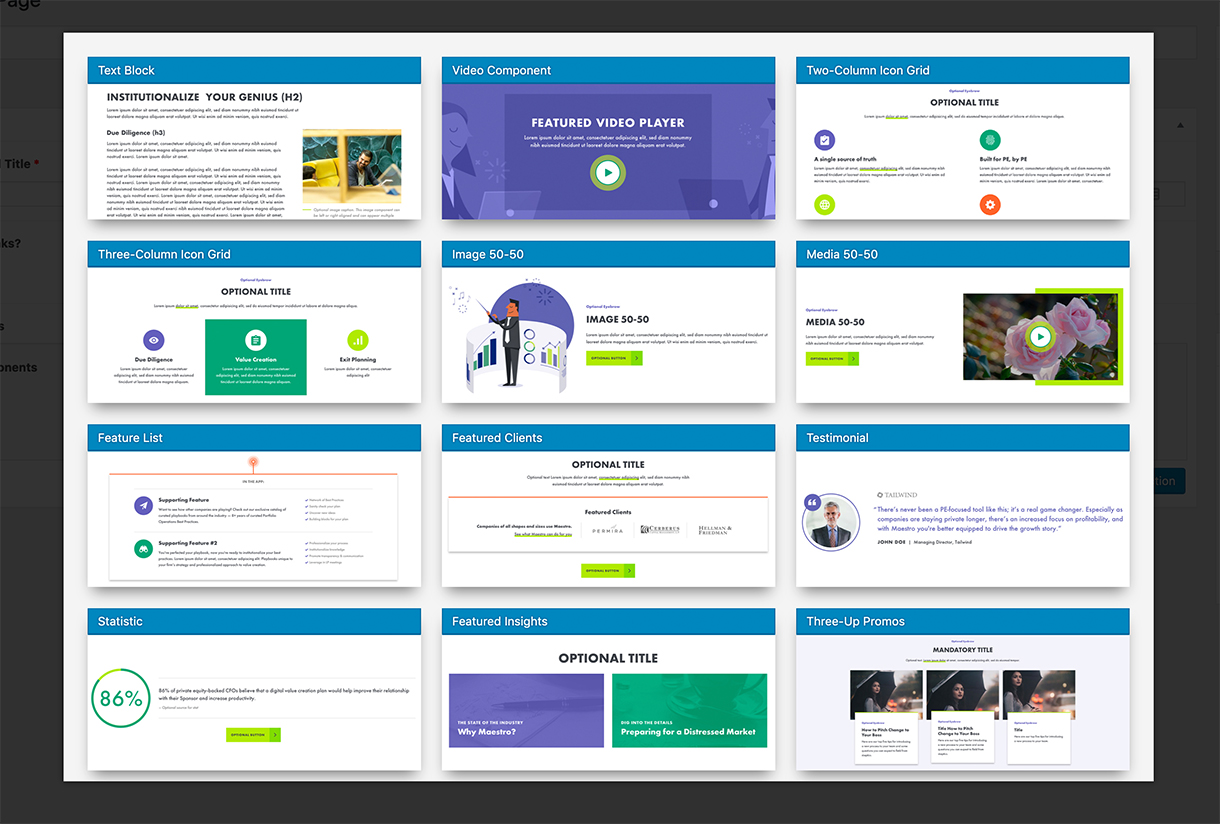
Image Conventions
- The size of the image should be 732 x 300.
- They should be named based on the layout's name (
text_block) with underscores converted to dashes (text-block.jpg).
Image Location
Images should be placed in your theme. By default, images are located here: THEME/lib/admin/images/acf-flexible-content-preview.
Also note that you can filter this path, but it MUST be in your theme:
add_filter( 'acf-flexible-content-preview.images_path', $path );
NOTE: The path should not have a trailing beginning or trailing slash!
Additionally, you could filter all keys and/or images:
add_filter( 'acf-flexible-content-preview.images', $images );